

Mwatrk App
Your vehicle's maintenance passport. Record what happened, know what's due next, and keep the history on your phone. Start free, with no account required, and check Saudi recalls that may include your vehicle based on its make, model and year.

About the Product
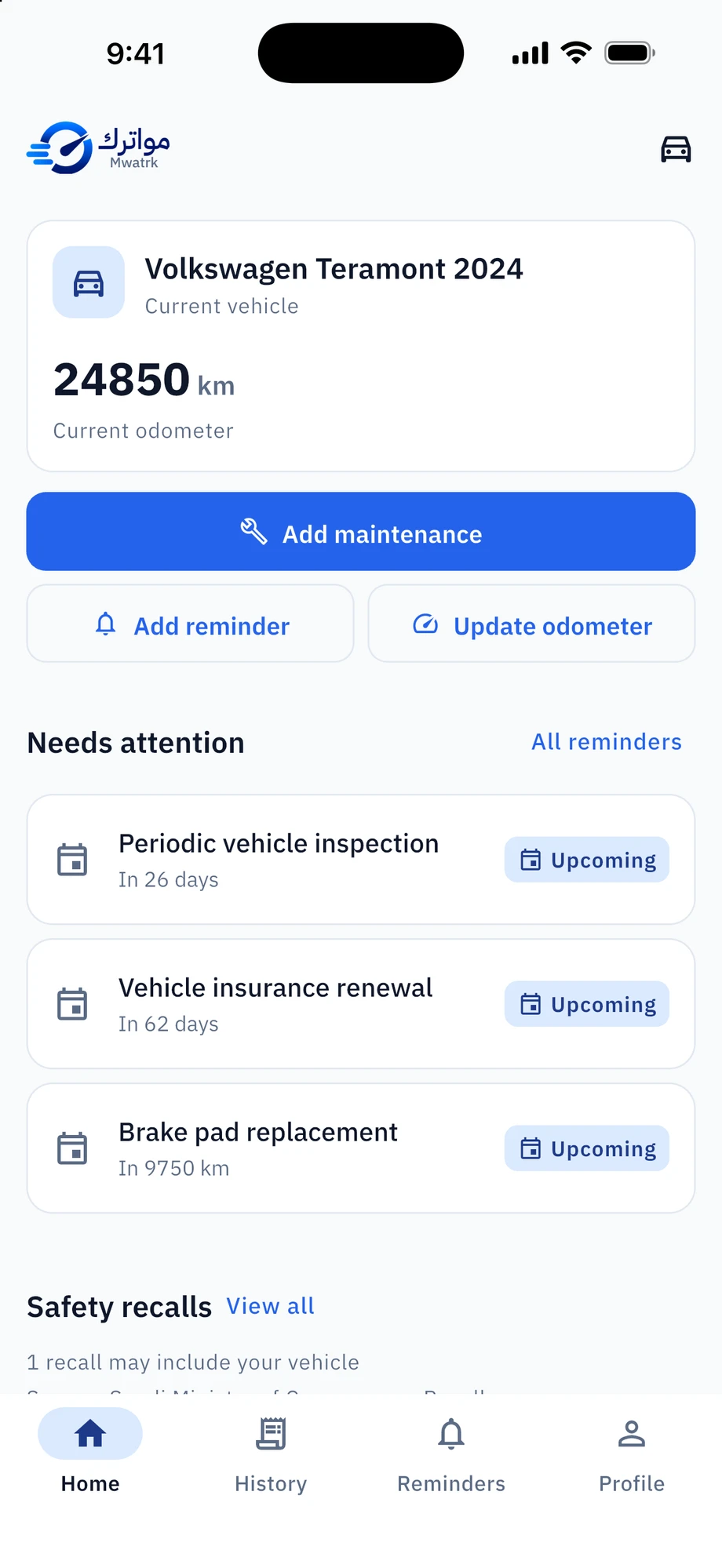
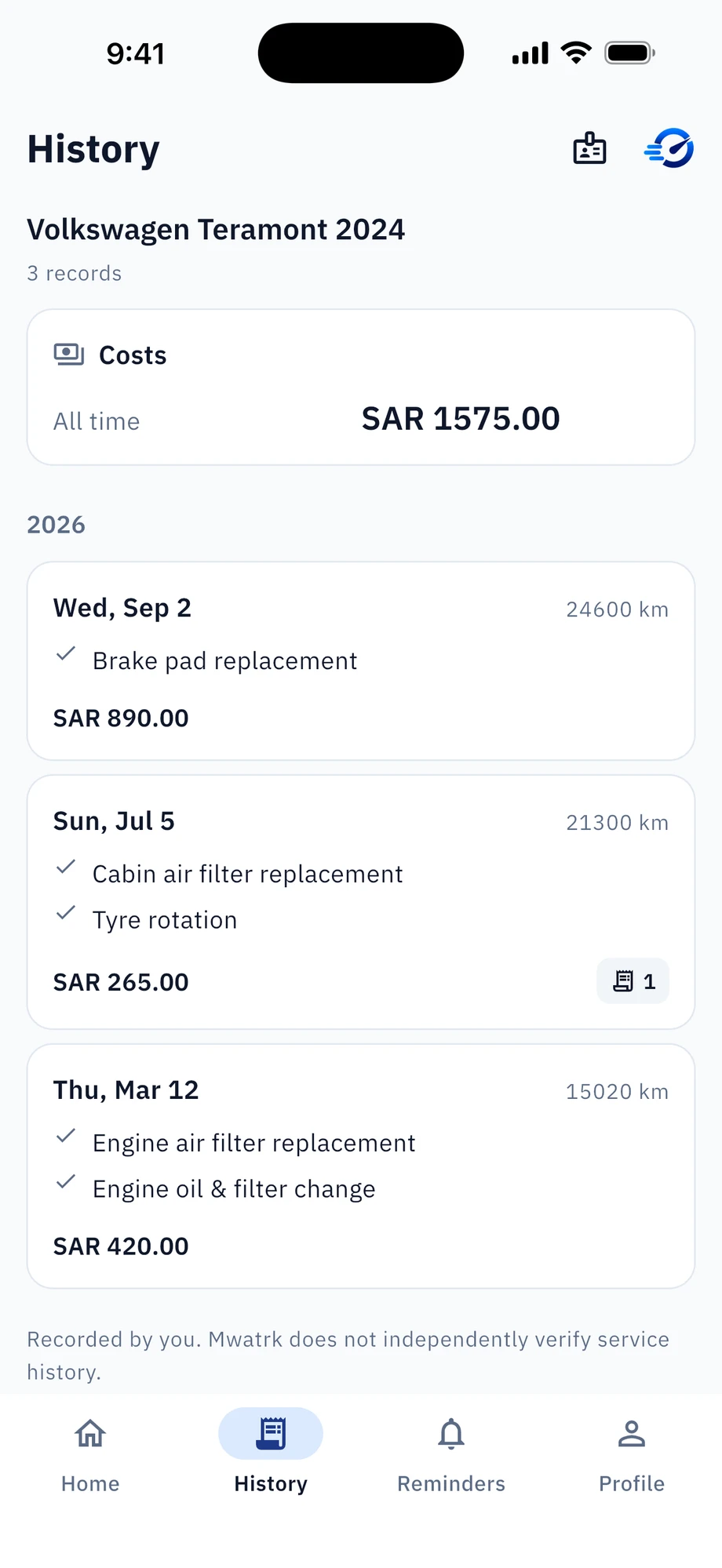
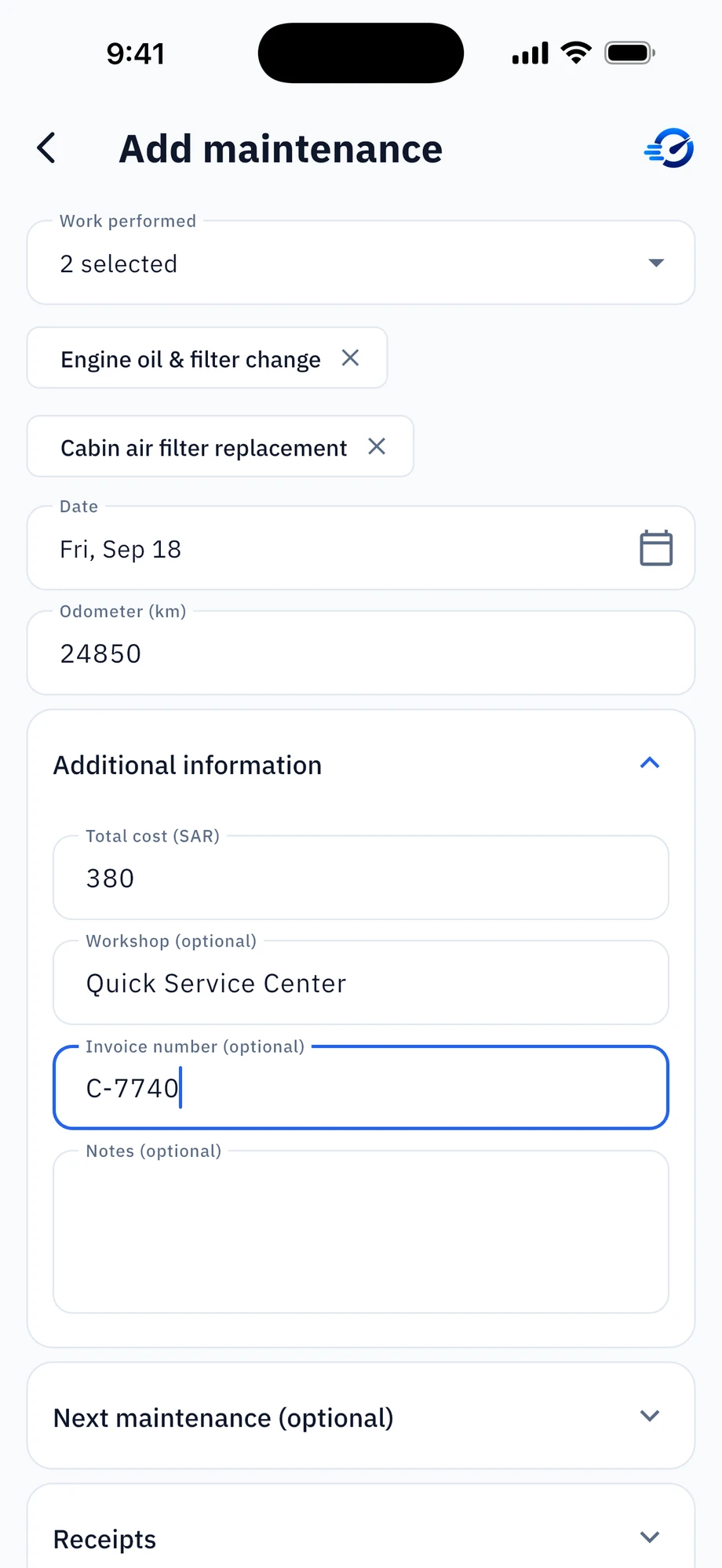
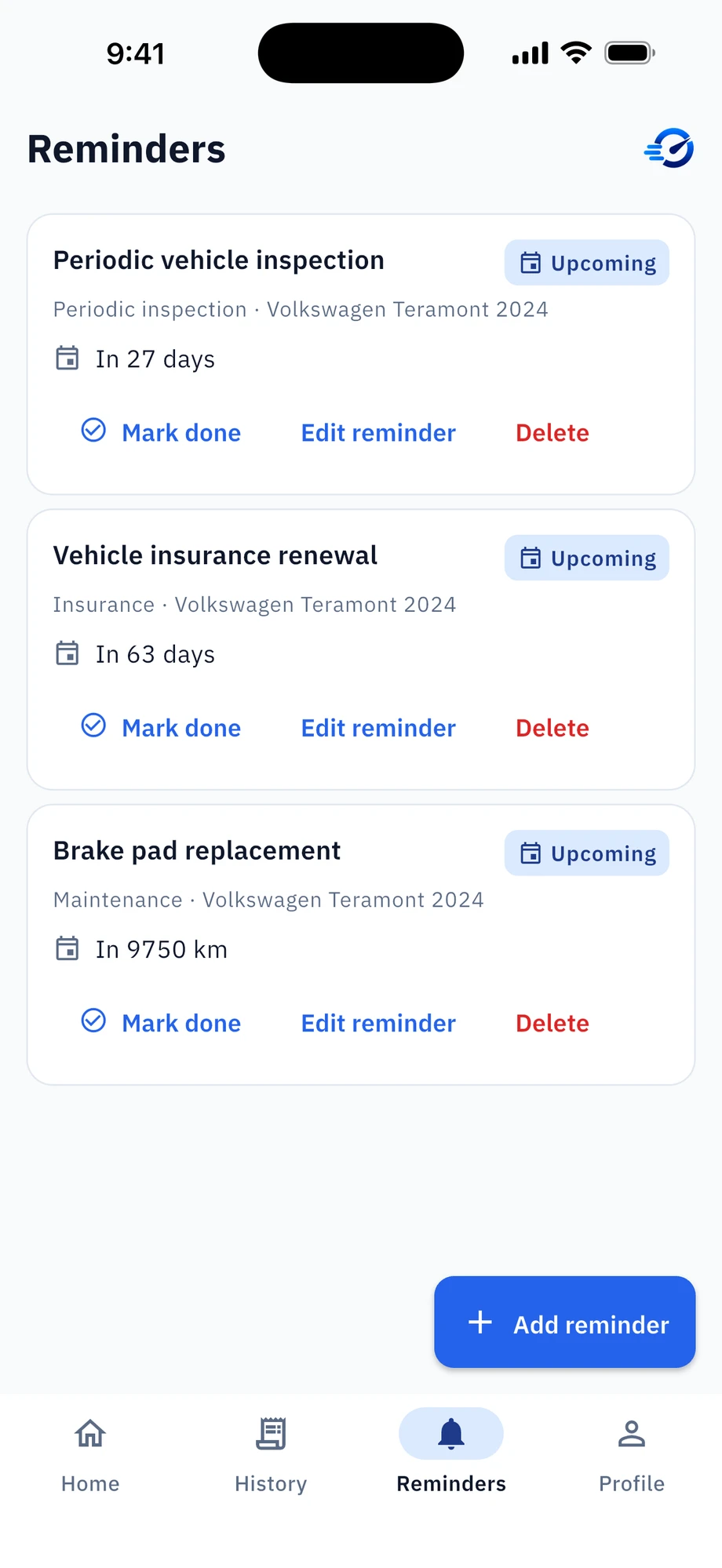
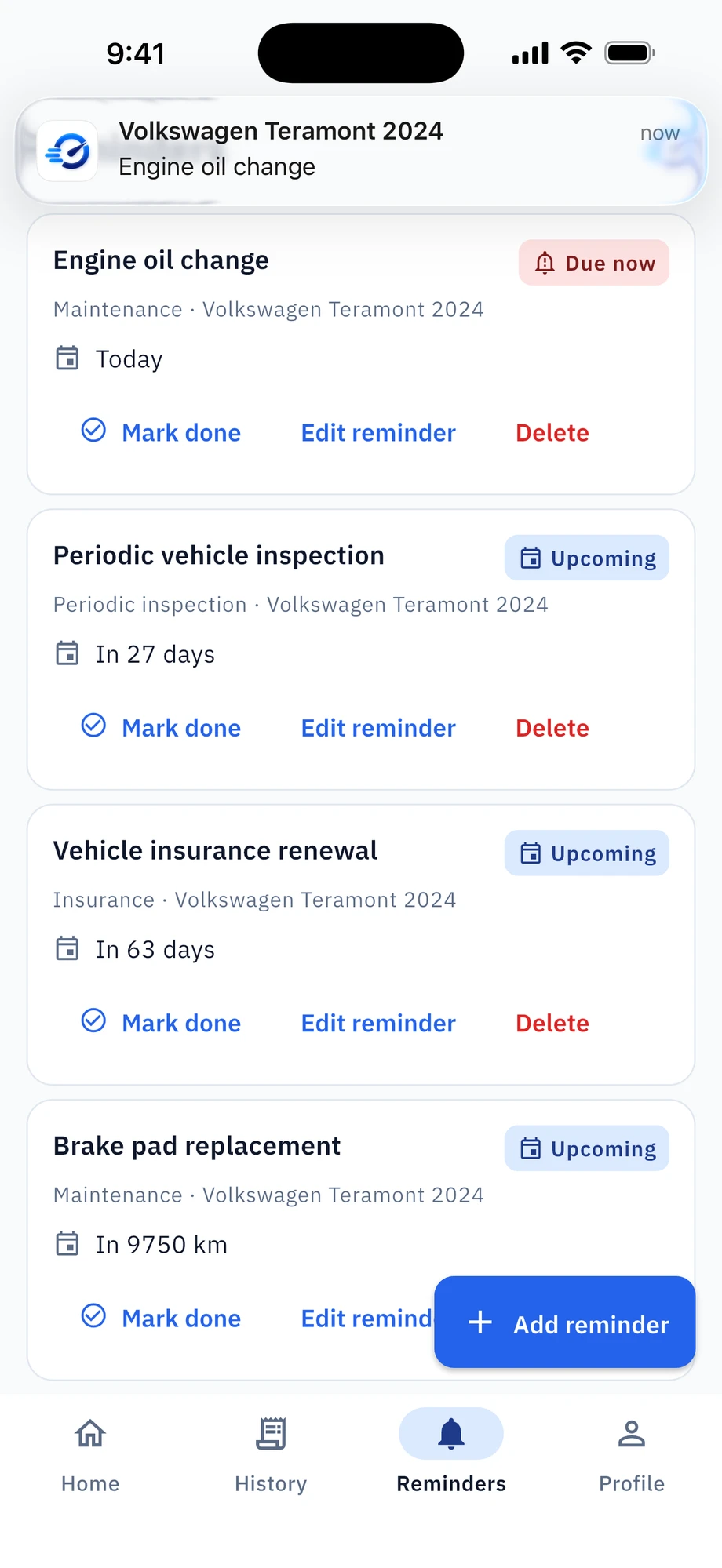
Mwatrk is a Saudi digital vehicle ownership and maintenance passport. Add your vehicle, log every service visit with its details, cost and invoice photo, and get reminders for maintenance, insurance and inspection by date or mileage — with a Home screen that shows what needs attention now.
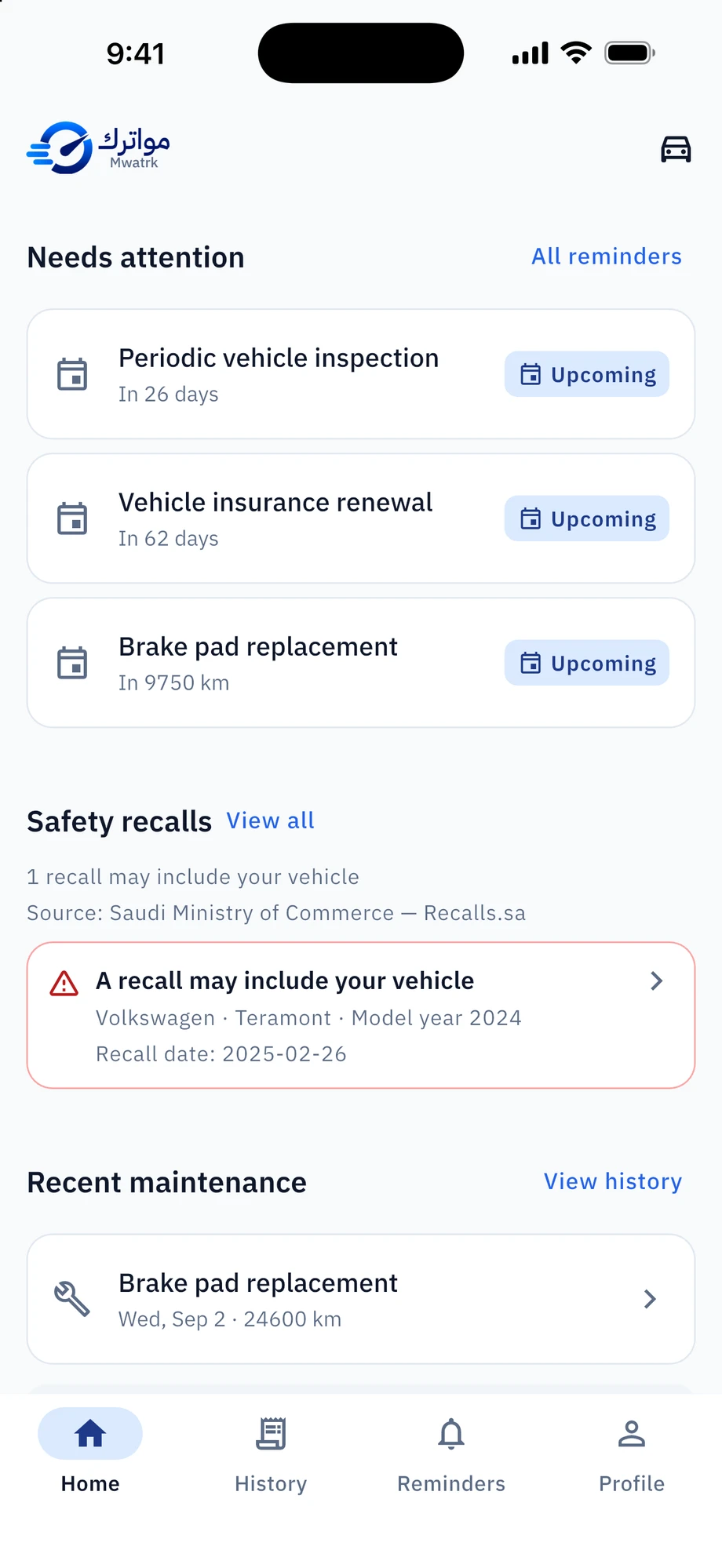
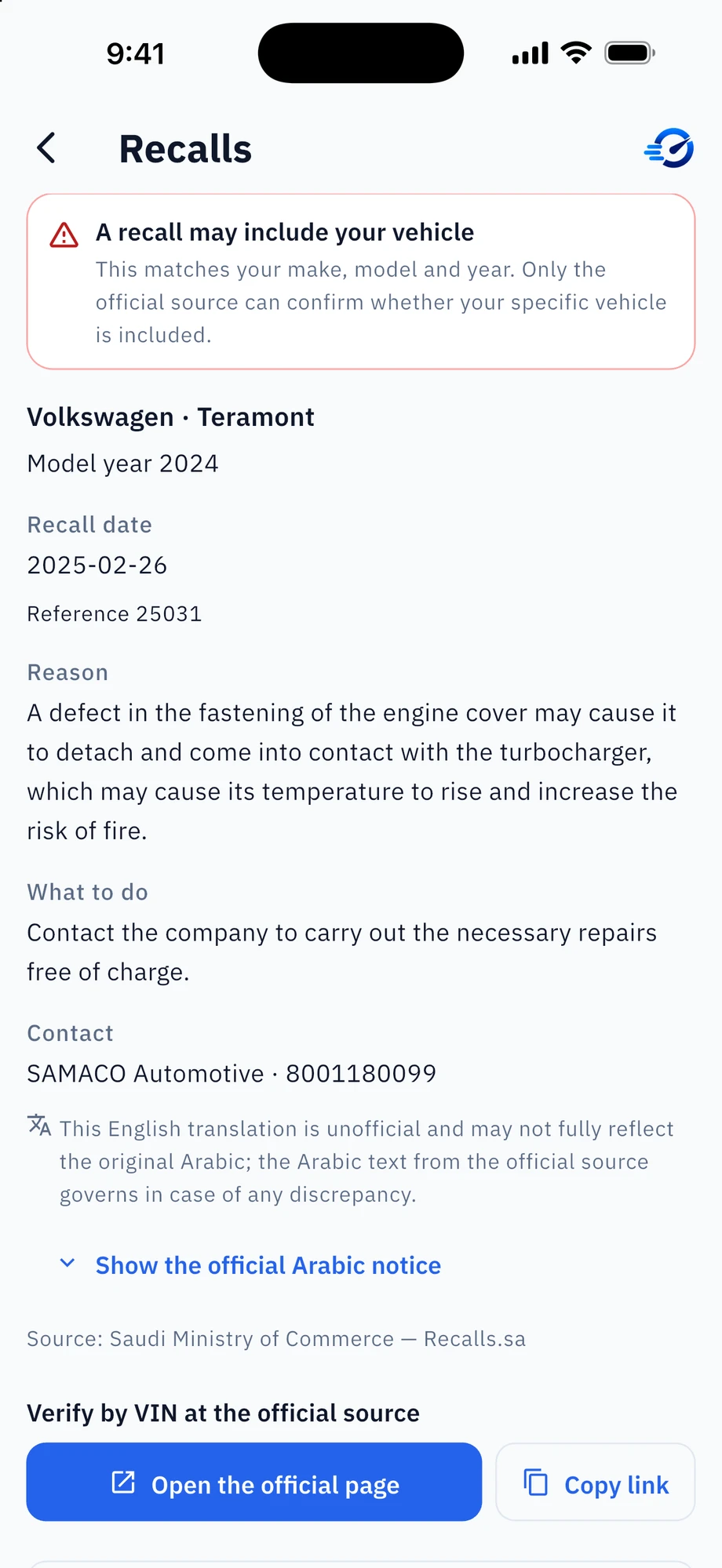
Mwatrk checks official Saudi recall data and automatically matches it to your vehicle's make, model and year. Recall information is always free, and final verification is always by VIN at the official source.
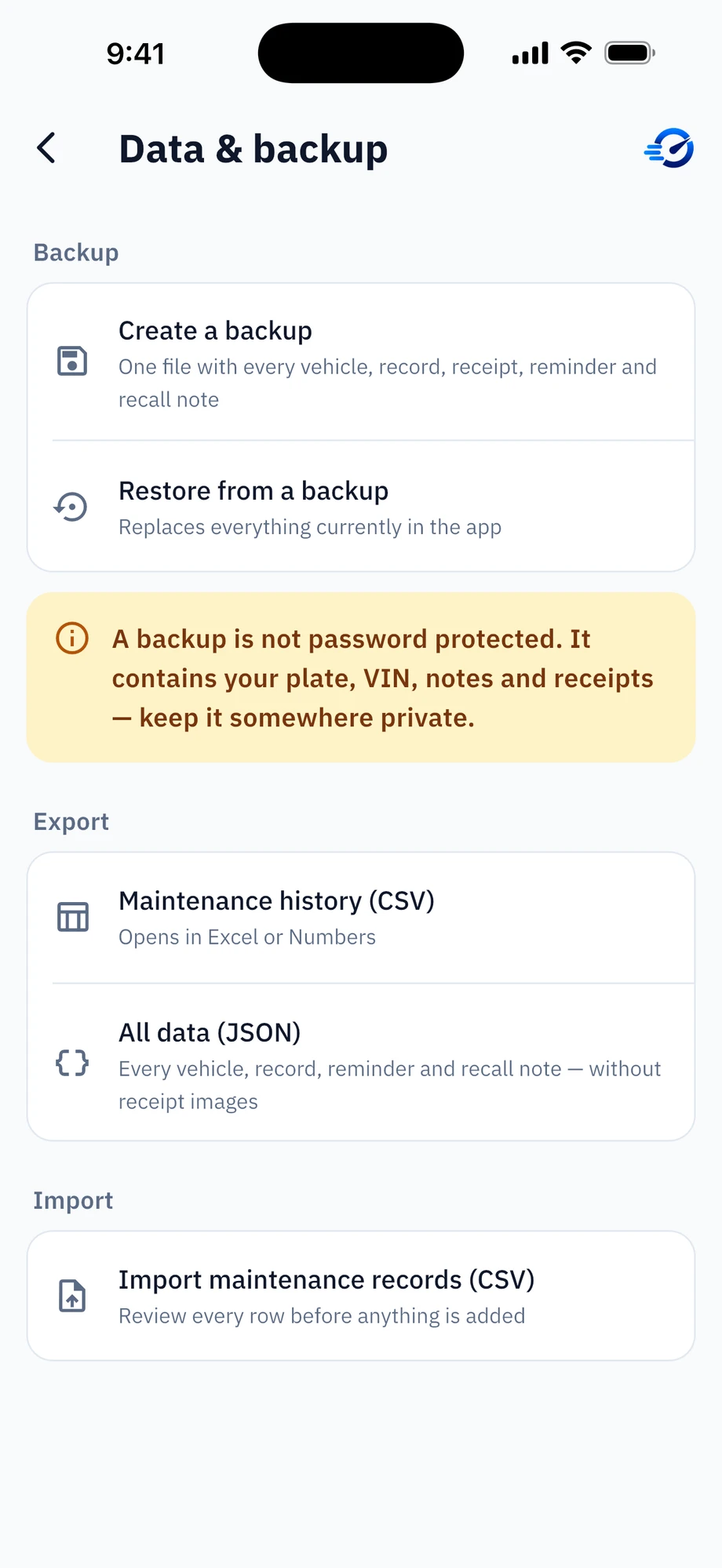
No account: your records and receipts stay on your device, with backup and export to CSV or JSON only when you ask. Mwatrk does not officially verify service history, is not a government service, and shows recall candidates only.
Available
Mwatrk is available to download on the App Store. Start free, with no account required. Google Play is coming soon.



Frequently asked questions
Do I need an account?
No. Mwatrk works without registration; your records stay on your device.
Where is my data stored?
On your device only. There is no cloud sync. A backup or export file is created only when you ask for it and saved where you choose.
How do I move to a new phone?
Create a backup on the old phone (Profile → Data & backup → Create a backup), move the file yourself, then restore it on the new phone. Restore replaces everything currently in the app.
I lost my phone / deleted the app — can you recover my records?
No. Mwatrk holds no copy of your data, so only your own backup file can restore it.
A reminder did not notify me.
Check that notifications are allowed for Mwatrk in your device settings, and that battery optimisation is not restricting the app. Reminders are delivered at the date and time you chose, and the exact minute can vary by a few minutes on some devices.
A recall says it "may include" my vehicle — is my car definitely affected?
A match is on make, model and year only. Only the official source can confirm your specific vehicle; use "Verify by VIN" on the recall.
No recalls appear for my vehicle.
That means nothing in the current official list matches it — it is not a guarantee. Always verify by VIN at the official source.
How current is the recall list?
It is refreshed periodically. The app shows the latest list it has downloaded and keeps working offline from its copy.
My history is wrong / I made a mistake.
Every record is editable and deletable: open the visit from History and edit it. History is recorded by you and is not independently verified.
Why did the app ask to update my odometer?
A visit was recorded at a higher reading than the vehicle's current one; you choose whether to update it.
What is in a backup file, and is it safe to share?
It contains everything: plate, VIN, notes and receipt images, and it is not password protected. Keep it somewhere private.
How do I delete everything?
Profile → Data & backup → Delete all Mwatrk data. It permanently removes your data from this device and cannot be undone without a backup. Records held by the app stores or service providers are separate.